Share the reel
From Instagram, TikTok or YouTube, hit Share and pick Nosh. Or paste the link straight into the app if you already copied it. Either way, that is the entire interaction.
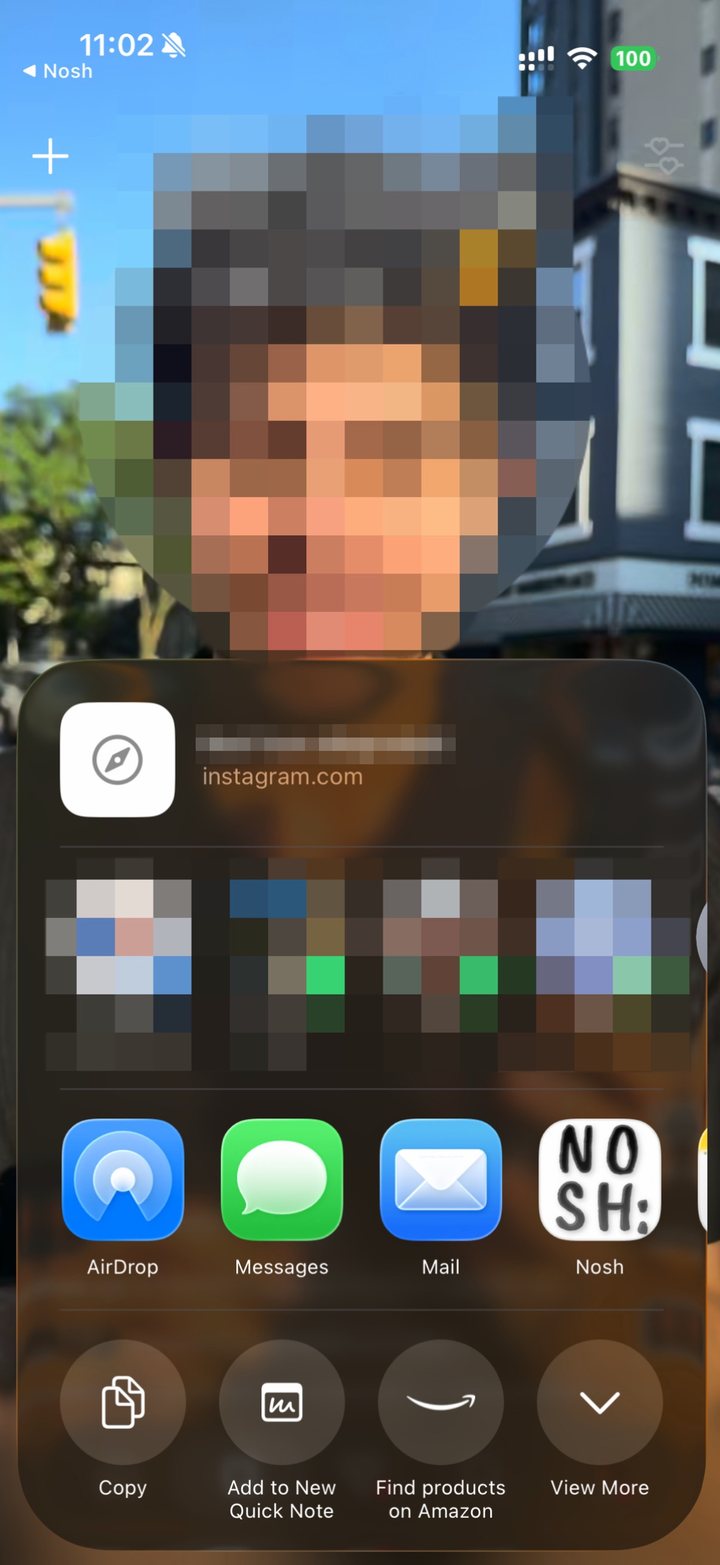
Share or paste a reel. It reads the caption, the text on screen and what is said out loud, then pins every place it mentions — with the address, the hours and what to order.
Launching shortly. Questions? Get in touch.
The problem
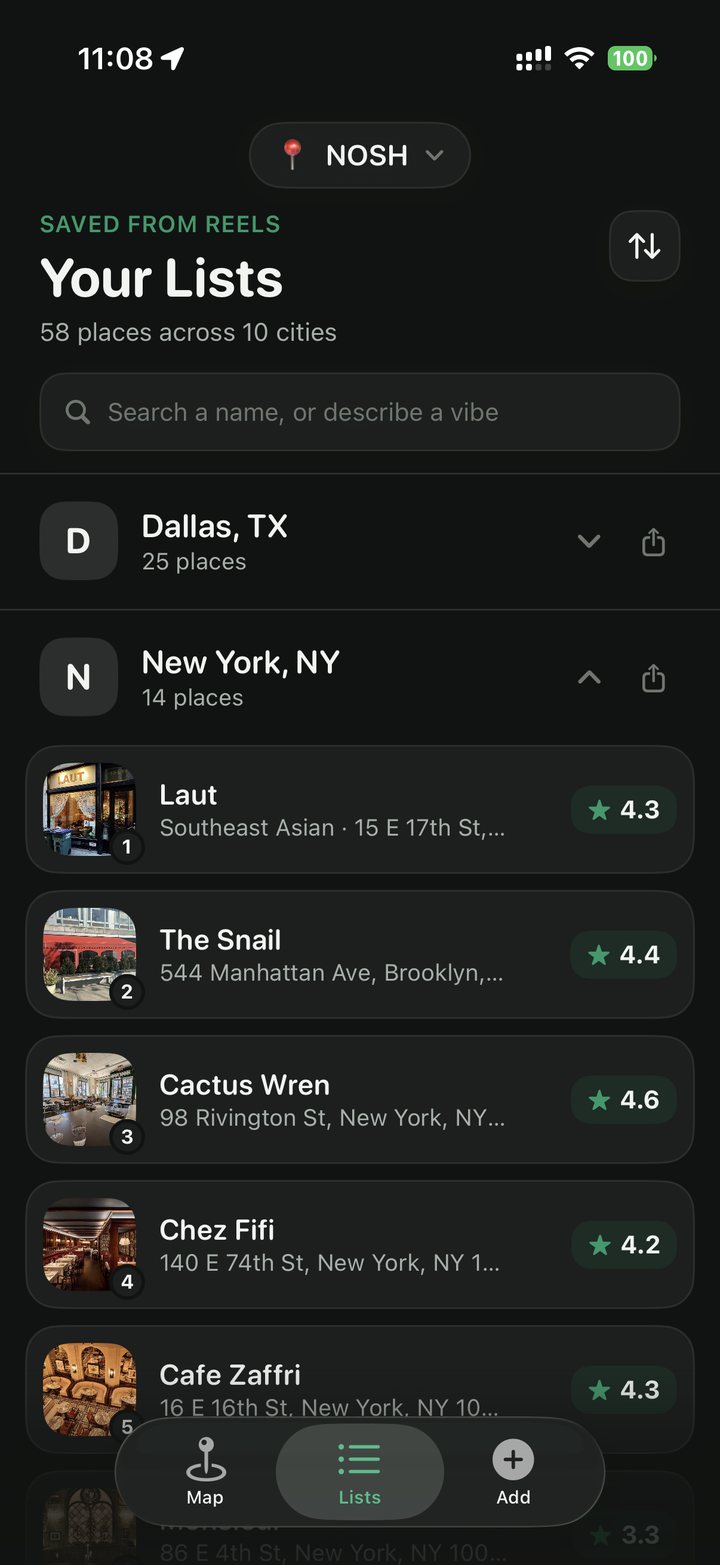
Saved folders are where good recommendations go to be forgotten. The place you wanted to try is in there somewhere, four hundred posts down, with no name you can search and no idea which city it was in.
How it works
From Instagram, TikTok or YouTube, hit Share and pick Nosh. Or paste the link straight into the app if you already copied it. Either way, that is the entire interaction.
The caption, the text burned onto the screen, the tagged accounts, and what the creator actually says out loud. Most places live in the on-screen text, which is why reading only the caption misses them.
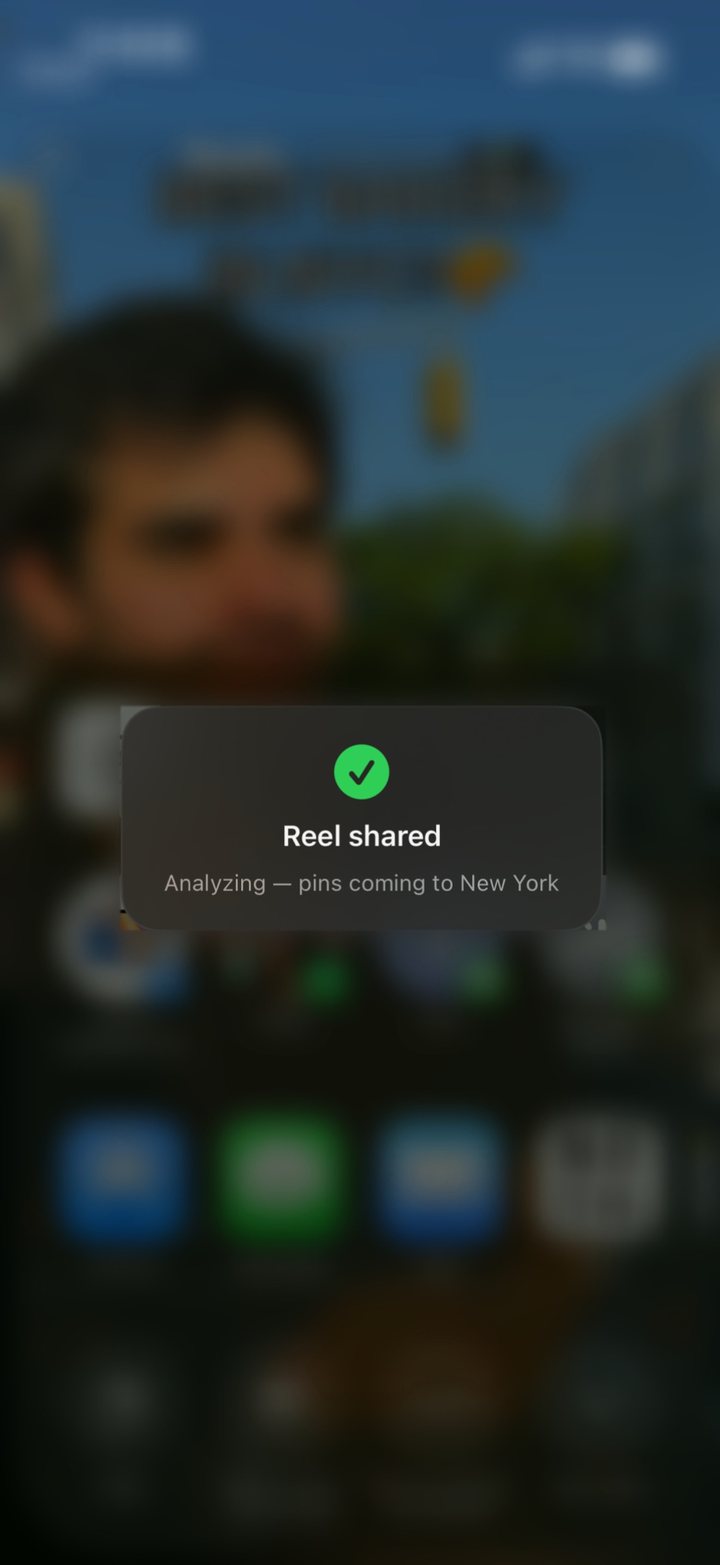
About thirty seconds later, with the address, the hours, what to order, and a link back to the reel you got it from. Close the app; a notification tells you when it is done.
Completeness
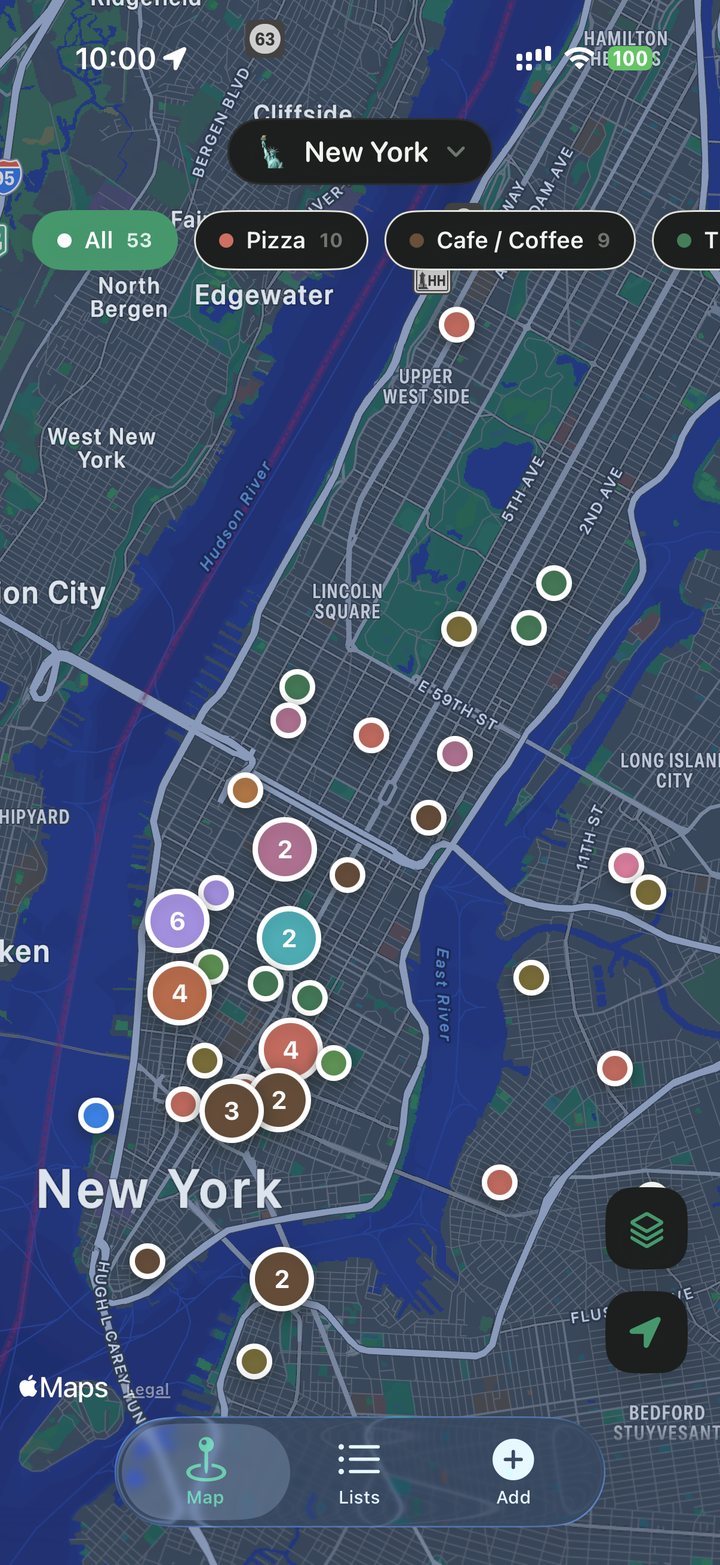
A “9 cafés in Dallas” reel becomes nine pins. Most tools stop at whichever venue is tagged in the post and quietly drop the other eight.
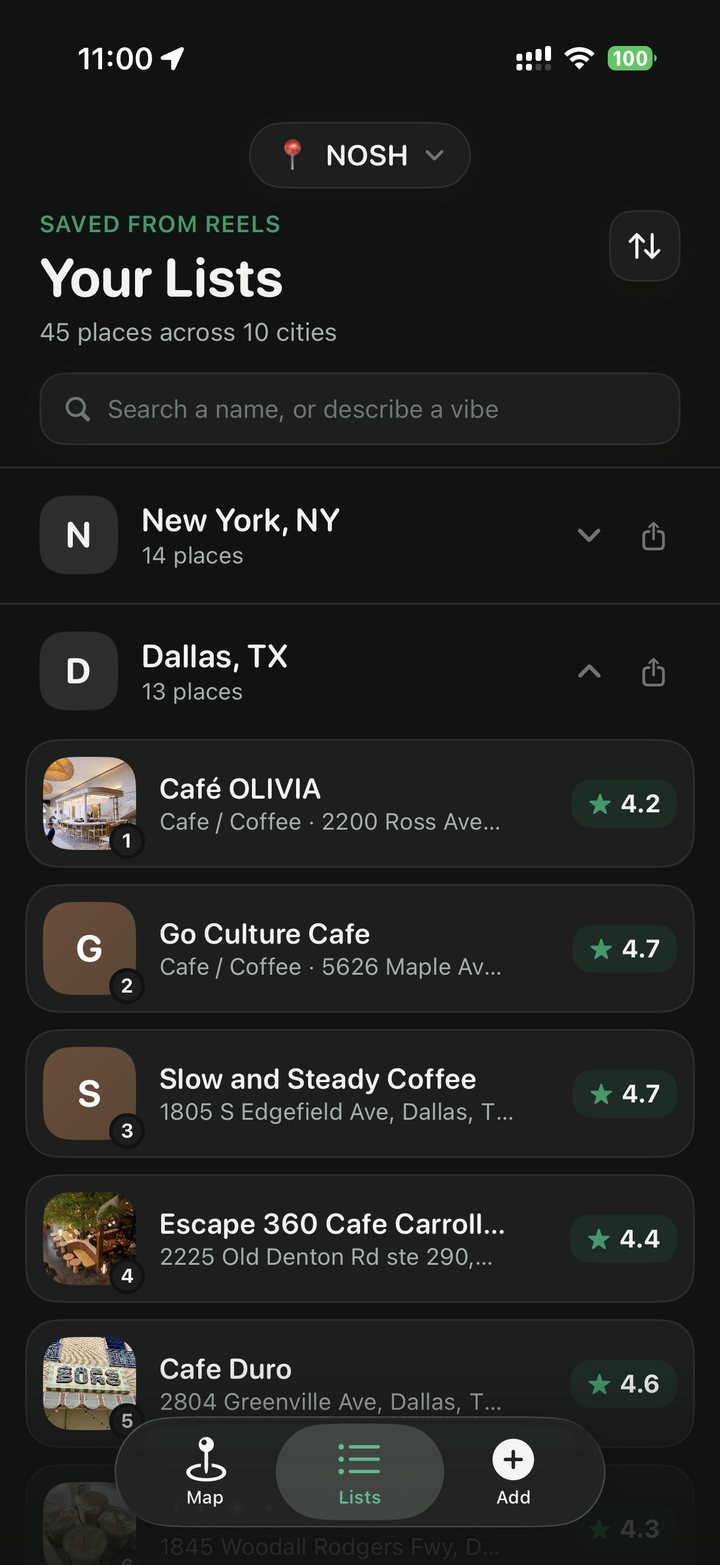
Detail
The dish the creator raved about, the tip about going before noon, the note that they only take cash. All of it pulled from the reel and kept with the pin.
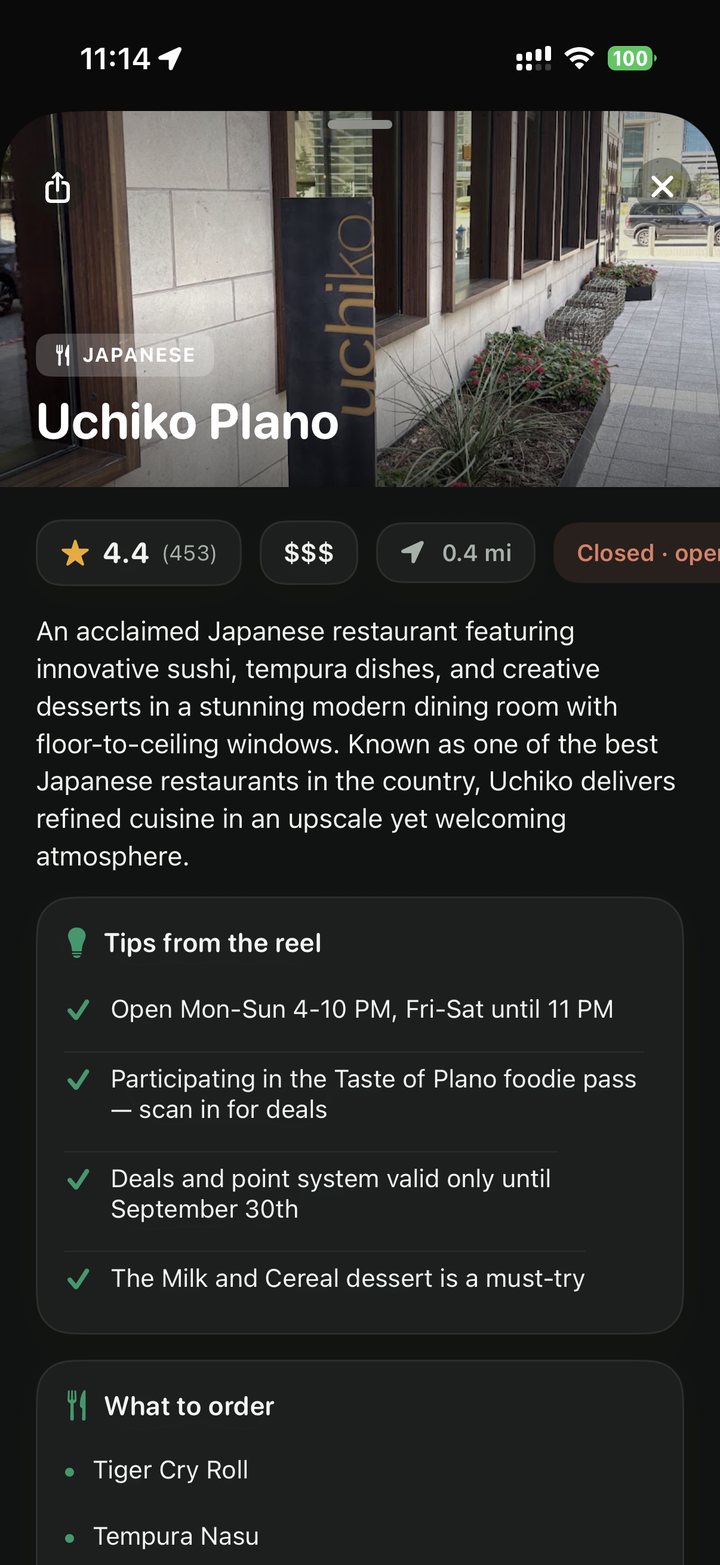
Retrieval
Filter by cuisine, browse by city, or just open the map and see what is near you right now. Saved reels are a graveyard; a map is a plan.
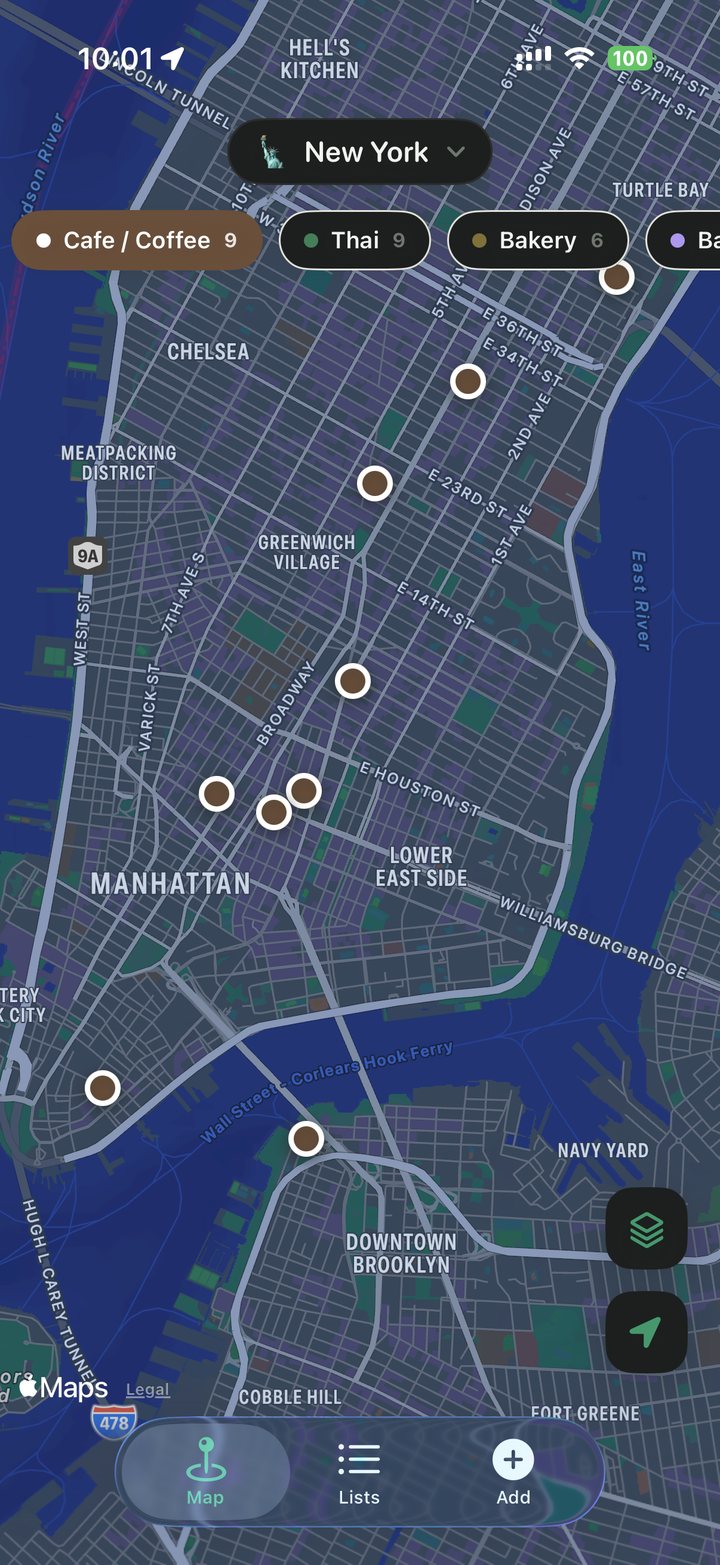
Search
Every other app makes you recall what a place was called. Nosh lets you describe what you're in the mood for, and searches what the reels actually said about the places you saved.
“somewhere quiet I can actually work”
“impressive but not stuffy, for a second date”
“cheap late-night food near the water”
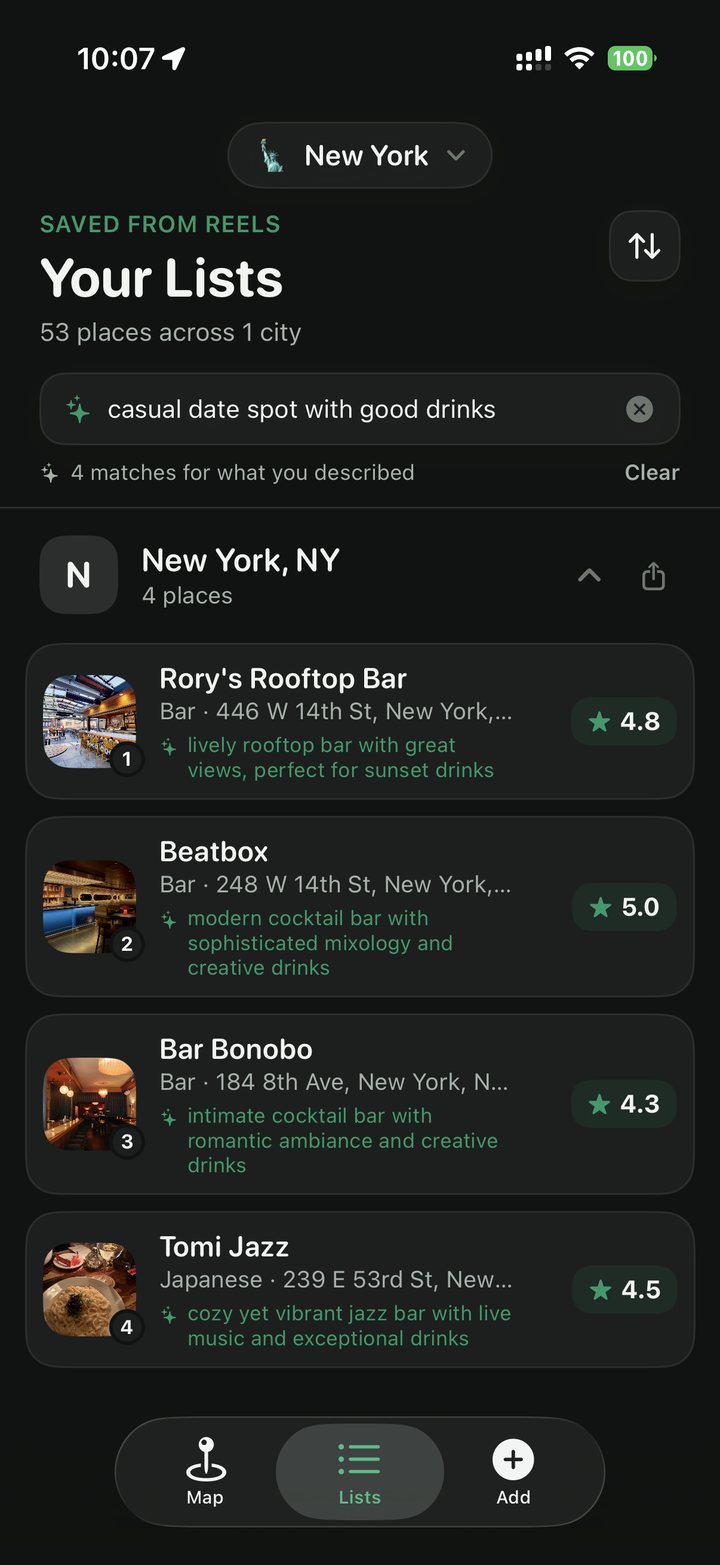
It only knows what the reels said. A place nobody described as waterfront won't appear for “near the water” — and it tells you why each result matched, so you can see it understood you.
Together
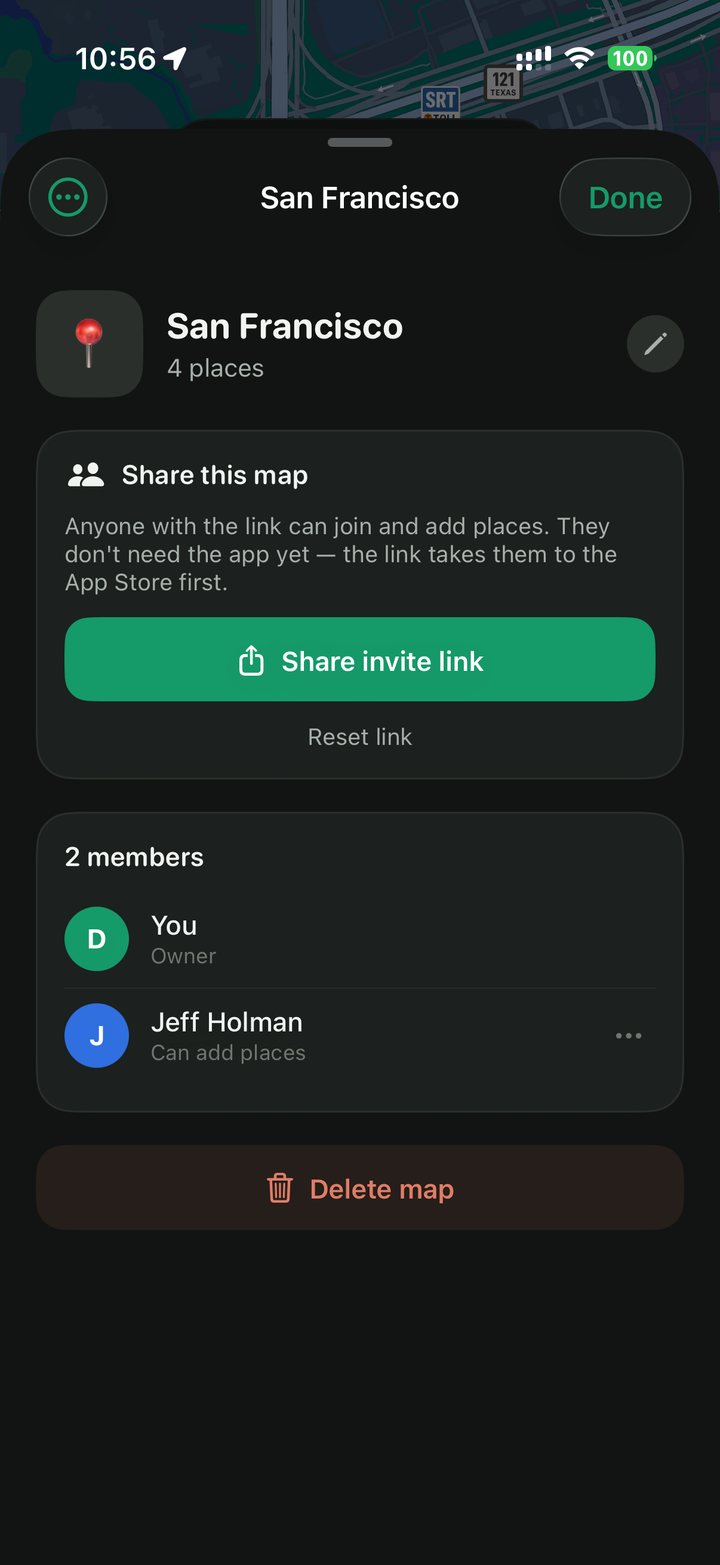
Share any map by link. Everyone who joins adds their own reels to it, and you can see who added what. No accounts to find, no friend requests — the link is the invitation.
Privacy
Frames and audio are fetched, read once, and discarded. What Nosh keeps is the place data and a link back to the reel you got it from.
Notes and visited marks live on your device and are never uploaded — even inside a shared map. Everyone sees the same places; only you see what you wrote about them.
Questions
Instagram Reels, TikTok and YouTube Shorts. Share from any of them, or paste a link you already copied.
No. The Add tab takes a pasted link, which is often easier when a friend sends you one in a message. Both routes do exactly the same thing.
It reads the caption, samples frames for on-screen text, listens to the audio, then geocodes each place it finds. You do not have to wait around — close the app and it will notify you.
It gets rejected rather than pinned. Meal-kit ads, recipe videos and product promos are not places you can visit, so Nosh tells you instead of cluttering your map.
No. Frames and audio are fetched, read, and discarded. What is kept is the place data and a link back to the original reel.
Yes. Any map can be shared by link. Everyone who joins can add their own reels to it, and you can see who added what.
Profile → Delete account, inside the app. It removes your account and your saved places permanently.